
Preview
By enabling the .DestinationPreview property, the generated report is displayed in a preview window, like the one shown in the figure (the data shown are for demonstration purposes only):
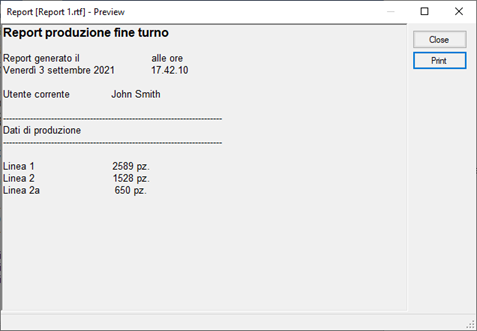
The Print button allows you to manually send the processed report to the printer. If the .ShowPrinterDlg property is set to True, the print dialog box appears before printing, otherwise printing takes place on the default printer and with the default print settings.
The Save button allows manual registration on files of the processed report.
The visibility of the two buttons is determined by the value attributed to the .PreviewPrintButton and .PreviewSaveButton properties respectively.