
Opening a page
To open and edit an existing page:
- Select the command Open ... from the menu File. The system opens the selection window of the page to open:
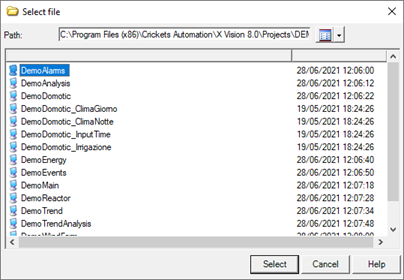
- Select the desired page and click Open. The selected page is opened in the development environment.
You can open a page directly out of the Project window by double clicking on it or by selecting Open from its context menu.