
The Animations window
The Animations dockable window displays all available animations and allows you to select and insert them into the screen.
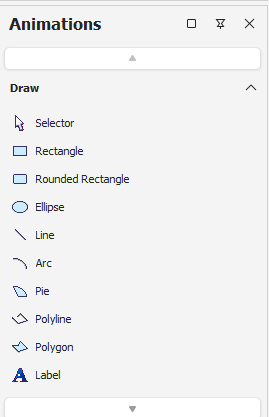
The animations are splitted into two categories: Shapes and Objects.
Shapes hosts geometric shapes, while Objects host specialized objects (e.g., event list).
Each category can be expanded or contracted by clicking on its title.
To insert an animation, simply click on it, then start to draw it on the open page.
The window animations can be displayed (or recalled if set as pop-up window) by selecting Animations from the menu Display.