
The Project Validator window
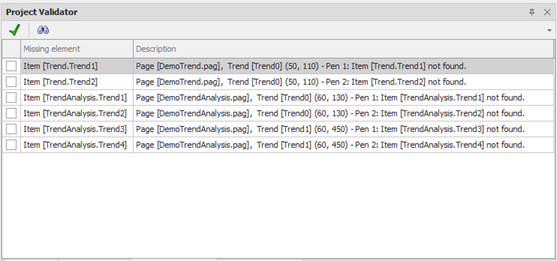
The Project Validator window allows you to perform a formal check of the project, highlighting any missing items:
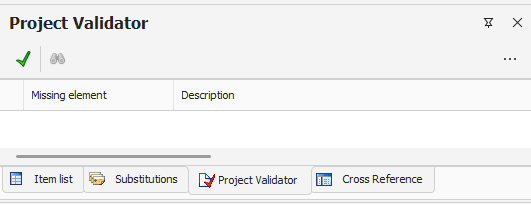
To start the verification of the project, select the icon 
The verification procedure explores all the references in the Pages and in the other configurations of the project, identifying and reporting any missing items.
The scan does not inspect Report and RemoteAlarm.
For each problem the list provides with the necessary information leading to the location of the item. It also indicates the name and type of the missing reference. You can sort the list of problems on the basis of each column.
Double-clicking on a message or by selecting the Locate from the toolbar or context menu it is possible to automatically select the element to which the report relates.
For your convenience, you can mark the problems already occurred by placing a check mark in the corresponding row.
The toolbar at the top of the window allows the following commands:
|
|
Check Project Try the new design verification |
|
|
Locate Locate the item related to the selected problem |


Check Project window can be displayed (or recalled if set as pop-up window) by selecting Check Project from the menu View.