
The Page Inspector window
The Page Ispactor dockable window displays the contents of the page in a hierarchical form, showing animations and insert the elements into groups and subgroups, as shown in the figure:
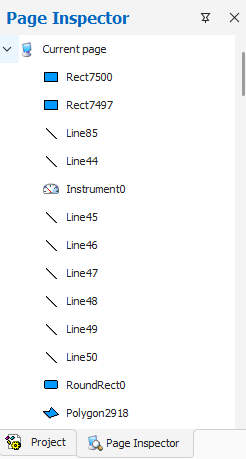
With contextual menu it is possible, for each object, to recall properties related to it or to delete them.
Selecting an object within a group you can access the property editing using Objects Exploration mode, which allows you to edit the properties of an object belonging to a group without ungrouping the group.
The Page Explorer window can be displayed (or recalled if set as pop-up window) by selecting Explore Page from the menu Display.