
Trend animation
The Trend animation allow you to view, in graphical format, the progress of instantaneous values (Dynamic Trend) Or historical (Historical trend) of one or more items (up to a maximum of sixteen). The trends work in close correlation with the Data Logger function.
The Property window allows you to set the attributes of generic look and feel.
The configuration of the functional aspect of the animation is done through a configuration dialog:
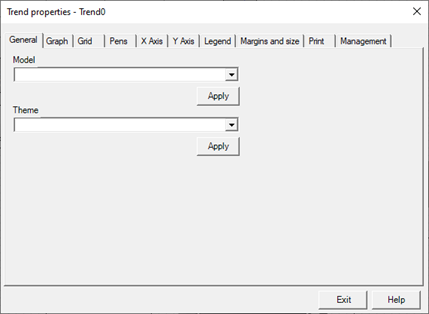
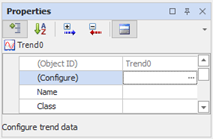
To open the configuration dialog press the "..." button near Configure in the General category.
For specific information about configuring the animation Trend, refer to the Data Logger and Trend Guide.